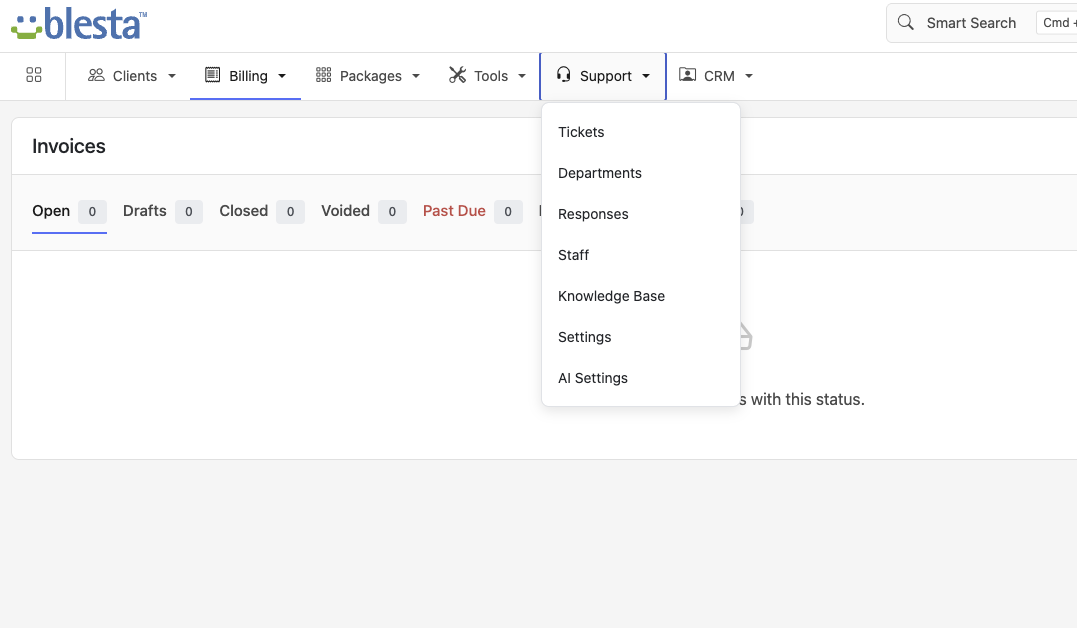
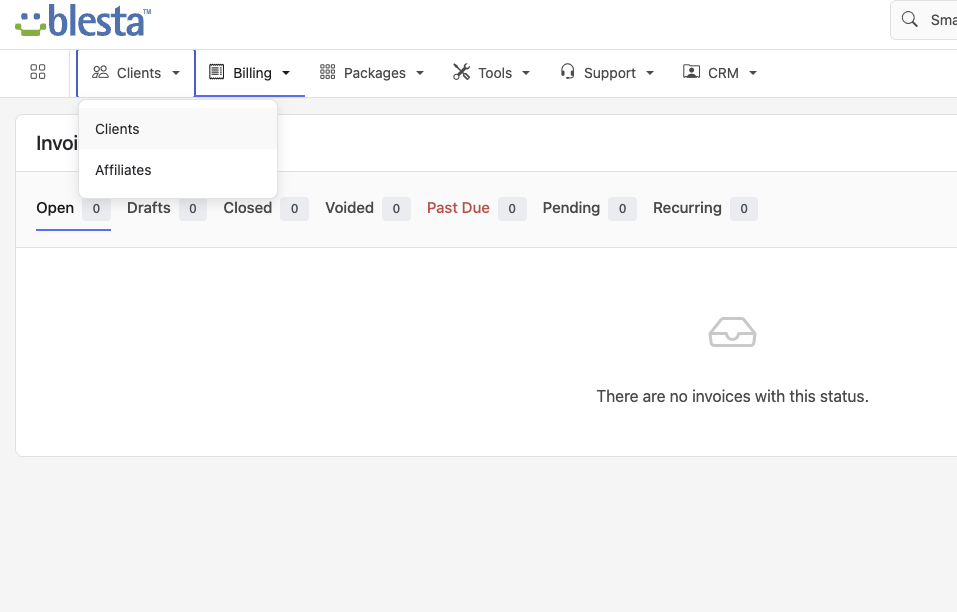
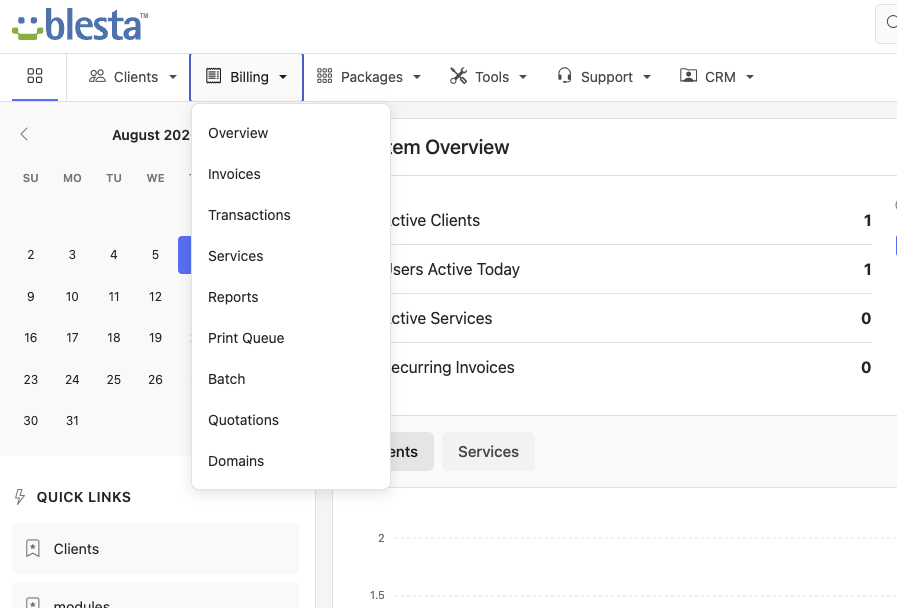
All of Vanilla's fixes to Paradigm, with the sidebar dropped entirely. Vanilla Horizontal moves navigation to a top menu bar — full-width working area, dropdown menus for nested sections, tooltips throughout, and the same calmer, more streamlined layout.
Vanilla's narrower sidebar solves most of Paradigm's crowding problem, but on smaller laptop screens even a trimmed sidebar is space you might want back. Vanilla Horizontal takes the same underlying fixes — dropdown menus, tooltips, calmer density, consistent iconography — and moves navigation into a single top bar, so the entire width of the screen is left for tables, forms, and dashboards.
Same fixes as Vanilla, with navigation moved to the top
Navigation lives in a single top bar instead of a side column, giving every screen the full width of the browser to work with.
Nested sections drop down cleanly from each top bar item, so reaching a sub-page is one click instead of a multi-step accordion dig.
Icon-only buttons, status badges, and terse labels get on-hover explanations, so nothing requires a guess or a trip to the documentation.
Tighter spacing and a more consistent type scale across tables and forms cut down on the visual noise Paradigm's default layout tends to produce.
A single, coherent icon set replaces Paradigm's mix of styles, so every menu item and action button reads the same way at a glance.
With no side column at all, tables and dashboards get the entire browser width — especially valuable on 13″–14″ laptop screens.
Same interface, two ways to lay out navigation
Narrower sidebar, always visible down the left edge
Familiar layout for anyone used to Paradigm's stock structure
Good fit for wide monitors where side space is cheap
Top menu bar, no side column at all — every screen gets the full width
Best suited to smaller laptop screens where side space is scarce
Same dropdown menus, tooltips, and density fixes as Vanilla — just reoriented
Built as a drop-in replacement for the stock Paradigm admin theme
Vanilla Horizontal themes the staff admin panel; your client-facing portal theme is unaffected
Upload via Blesta's Settings → System → General — no code changes or file permissions to fight
Free, drop-in, and built to stay out of your way. Download Vanilla Horizontal and see the difference in minutes.